



New
Arrivals/Restock

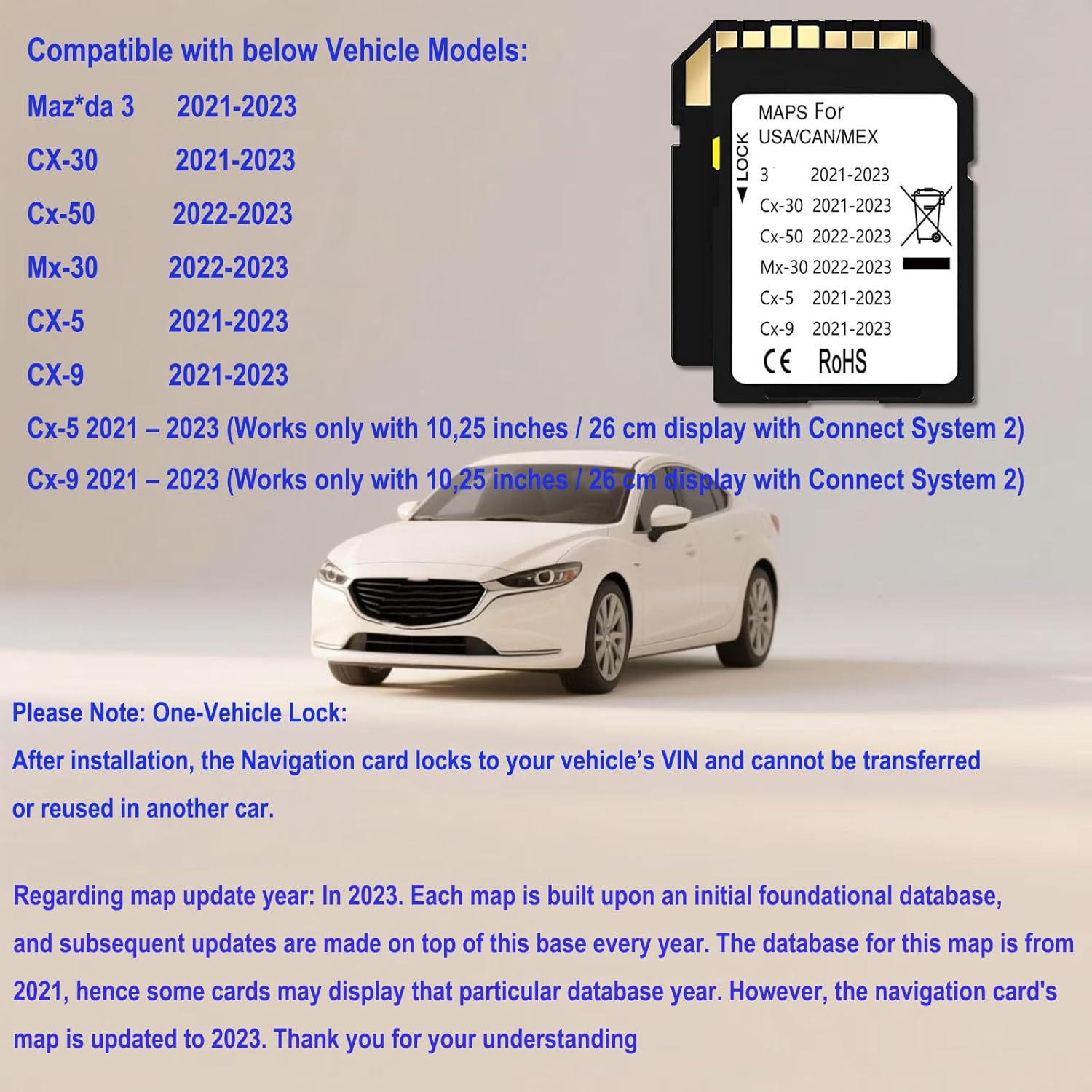
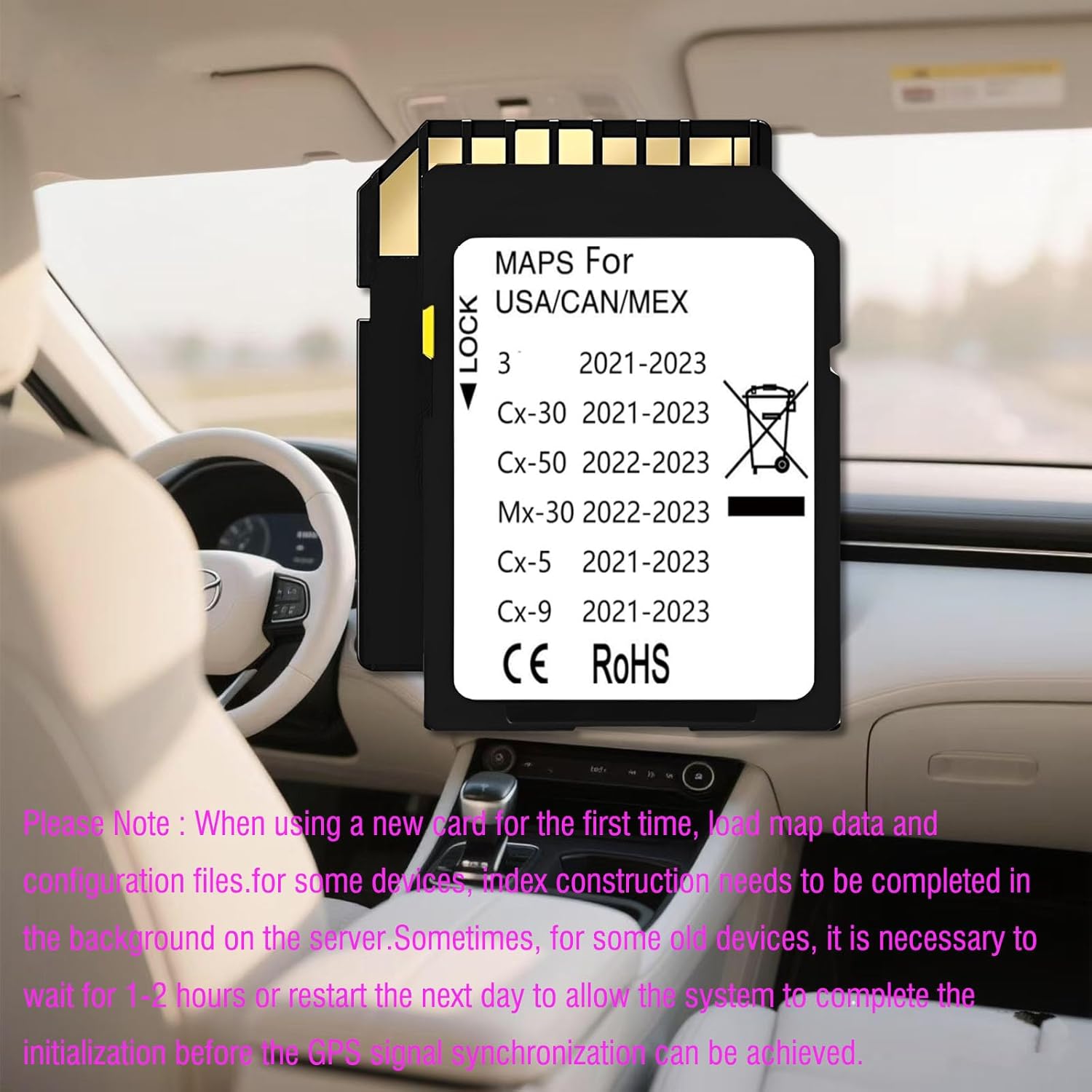


Latest Navigation Memory sd Card Compatible with Maz*da 3(2021-2023), Cx5(2021-2023), Cx9(2021-2023), Cx30(2021-2023), Cx50(2022-2023), Mx30(2022-2023) (Ceypec-05)

 4.5 (32 items)
 Limited Time Sale
Until the end
10
29
08
$15.59 cheaper than the new price!!
Free shipping for purchases over $99 ( Details )
Free cash-on-delivery fees for purchases over $99
Free cash-on-delivery fees for purchases over $99
See all stores
Please note that the sales price and tax displayed may differ between online and in-store. Also, the product may be out of stock in-store.
New $25.99
Product details
| Management number | 217027582 | Release Date | 2026/04/19 | List Price | $10.40 | Model Number | 217027582 | ||
|---|---|---|---|---|---|---|---|---|---|
| Category | |||||||||
- navigation sd card Compatible with below Mazda MODELS: Maz*da 3- 2021-2023 Cx30- 2021-2023 Cx50- 2022-2023 Mx30- 2022-2023 CX-5- 2021-2023 (Connect System 2 works only with 10,25 / 26 cm inches display with Maz*da Connect System ) CX-9- 2021-2023 (Connect System 2 works only with 10,25 / 26 cm inches display with Maz*da Connect System )
- Regarding map update year: In 2023. Each map is built upon an initial foundational database, and subsequent updates are made on top of this base every year. The database for this map is from 2021, hence some cards may display that particular database year. However, the navigation card's map is updated to 2023. Thank you for your understanding.
- Please Note: The Navi card can be used only in one car, once it is installed to the navigation system for the first time, it will be locked with cars VIN. Navigation system Navi cards cannot be used/switched from one vehicle to another.
- Please Note: When using a new card for the first time, it is necessary to load map data and configuration files. For some devices, the index construction needs to be completed in the background on the server. Therefore,Sometimes, for some old devices, it is necessary to wait for 1-2 hours or restart the next day to allow the system to complete the initialization before the GPS signal synchronization can be achieved
- ACCURATE NAVIGATION: This navigation memory card maps include USA/Canada/Mexico road maps and speed limit updates. Including ATMs, restaurants, gas stations, luxury hotels, pet stores, etc. The update recognizes new roads to help you get to your destination quickly.
- NSTALLATION INSTRUCTION: Step 1: Turn vehicle off. Step 2: Locate the card slot. Step 3: Remove the old memory card. Step 4: Insert the new Navigation memory Card into the slot until it clicks. Step 5: Start the engine to ensure the new Navigation memory Card is functioning. The word "Navigation" should appear in the upper right hand corner.
Horns



SD Cards


Correction of product information
If you notice any omissions or errors in the product information on this page, please use the correction request form below.
Correction Request Form